
CubeGuide: GPS for your cube
A web app that walks anyone through solving a Rubik's cube, one move at a time, with a live 3D twin of the cube in their hands. No notation to learn, nothing to install.
I build ventures for a living, and this is what building looks like when nobody is paying for it. One file, one weekend problem: my cube sat unsolved on my desk, and every tutorial assumed I wanted to memorise algorithms. I didn't. I wanted turn-by-turn directions.
Four screens, one promise
The whole product fits in four screens. Each one exists to keep a frustrated beginner moving: scan, turn, check, done.
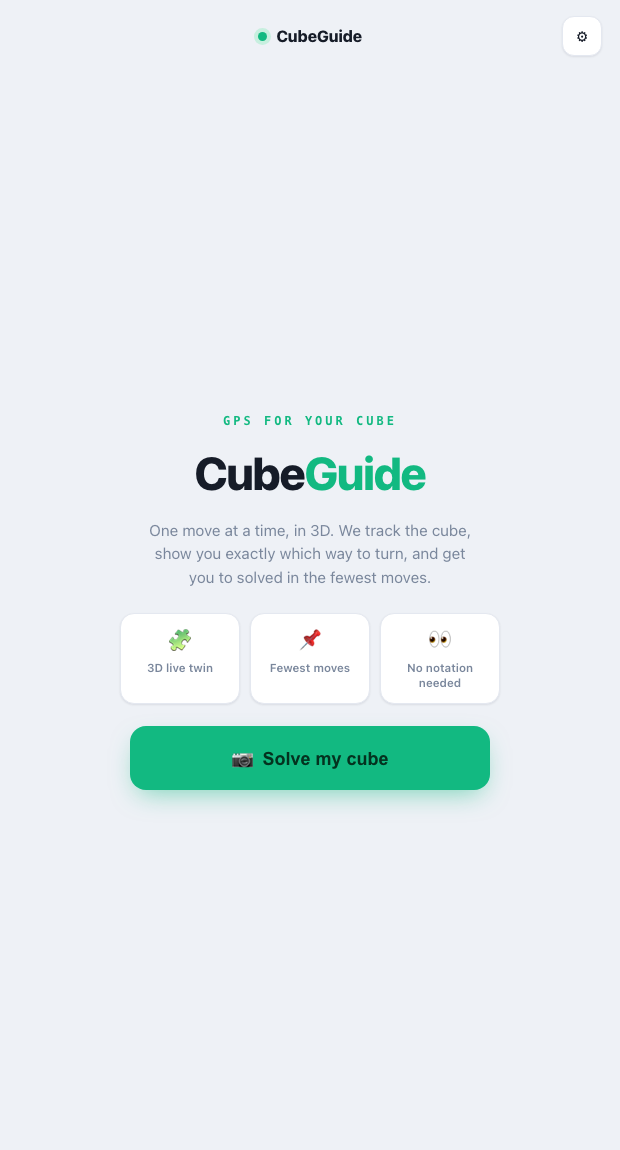
HomeThe pitch in one line, three promises, one button. Nothing else to decide.
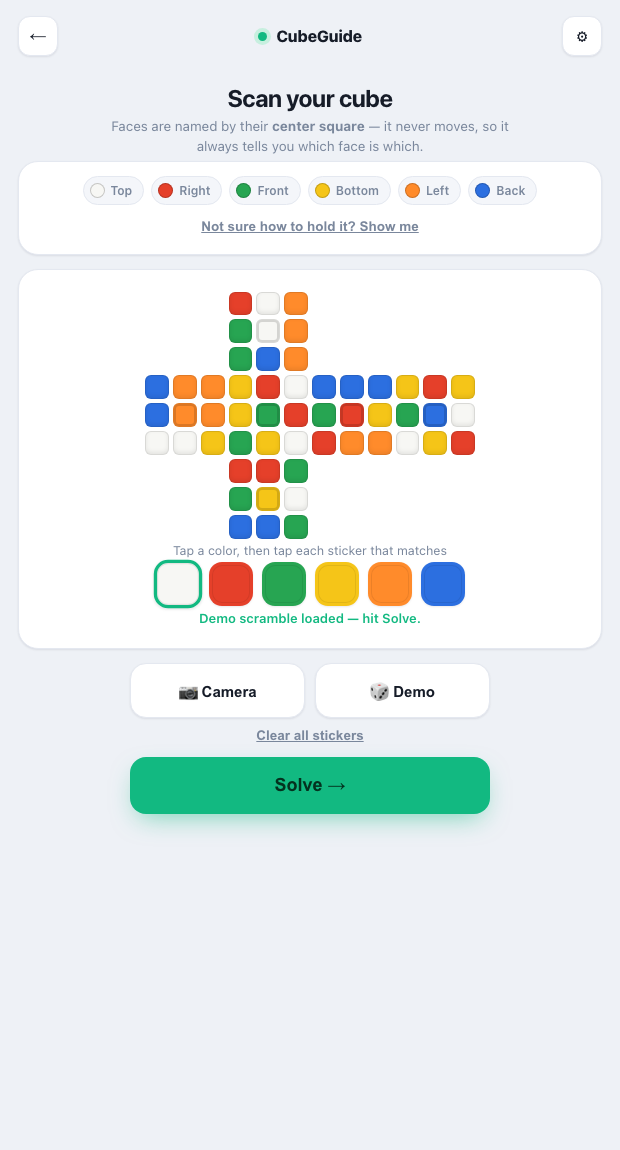
ScanCapture each face with the camera, paint the net by hand, or load a demo scramble.
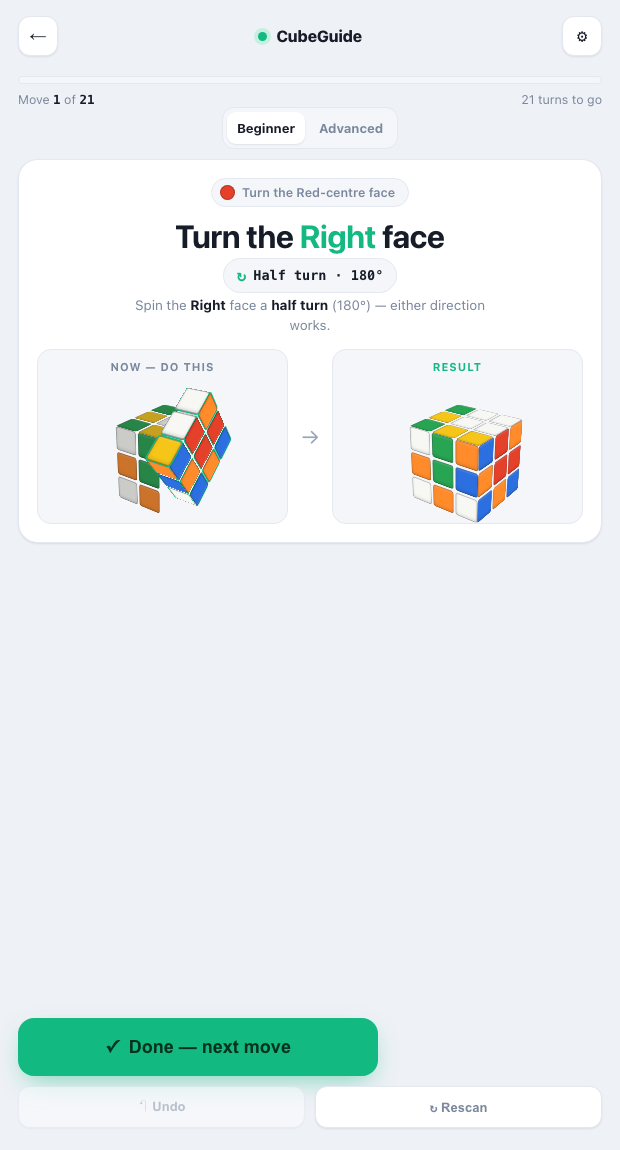
GuideOne move at a time: the twin on the left shows the turn, the right shows what you should see after.
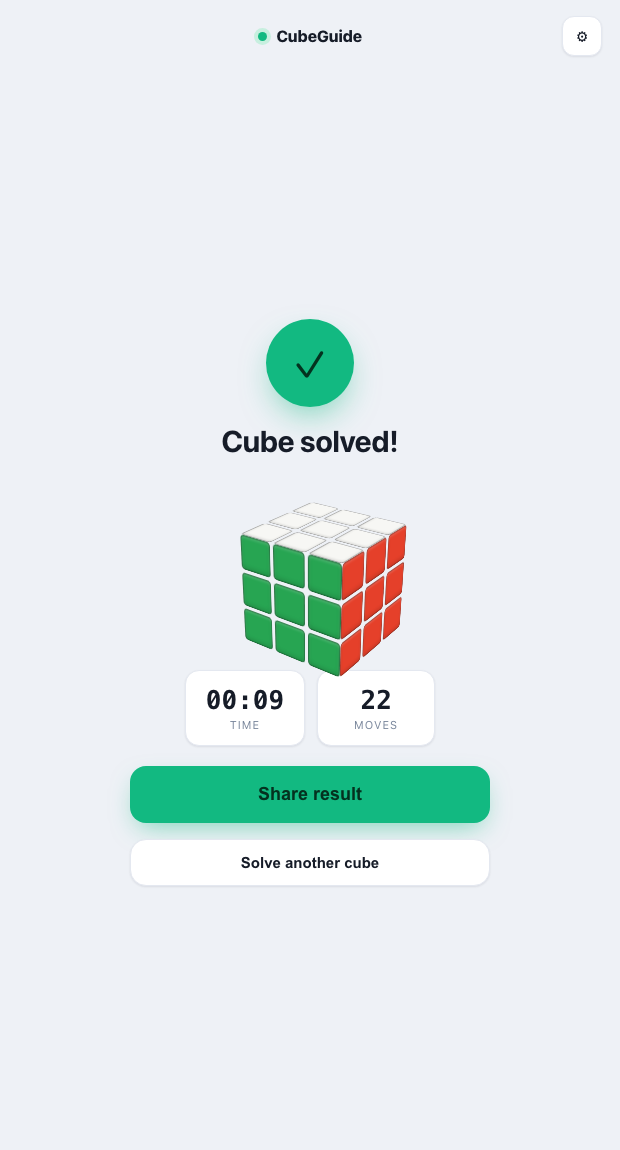
SolvedTime, move count, share. Then solve another one.
The design
Every cube tutorial teaches notation first and solving second. CubeGuide inverts that: it treats the cube like a navigation problem, and the user like a driver, not a student.
No notation, ever
Instead of "F' U R", the app says "Turn the Front face counter-clockwise, so the top edge rolls to the left", with the face named by its centre colour. The jargon never surfaces.
A twin, not a diagram
Two live 3D cubes: "Now, do this" with the turning face highlighted, and "Result", what your cube should look like after. Matching two pictures beats decoding one arrow.
One move per screen
A progress bar, "move 4 of 22", and a single confirm button. Undo and rescan are the escape hatches when hands slip. The user is never more than one step from recovery.
The methodology
Under the hood it is a pipeline: capture the cube's state, solve it optimally, then translate machine notation into human turns.
The camera scans each face square by square (with a manual paint-the-net fallback), keyed to the centre squares, which never move. The state is validated before solving: nine stickers of each colour, no impossible cubes.
The state feeds a bundled cubejs implementation of Kociemba's two-phase algorithm, the same family of solver behind speed-cubing tools. It returns a solution around 20 moves instead of the 100+ of beginner methods.
Each solver move is rewritten into plain language and rendered on the CSS 3D twin. The trickiest engineering was here: solver notation is defined cube-relative, screens are viewer-relative, and one sign error makes every animation turn the wrong way.
The app tracks the expected state after each confirmed move. If reality drifts from the model, a mid-solve rescan re-anchors it, the cube equivalent of GPS rerouting.